Practice Project: Checkpoint 4 - Part 5
Adding our final resources (Python model and Exposure) and generating documentation.
Part of the “Mastering dbt” series. Access to the full Study Guide. Let’s connect on LinkedIn!
We’ve arrived at the final part of our Practice Project - Checkpoint 4. This was definitely a heavy checkpoint, but at the end of this post you’ll see how mature our project looks now.
The next Checkpoint will cover data tests and deployment - lighter in content but no less important!
Python Models
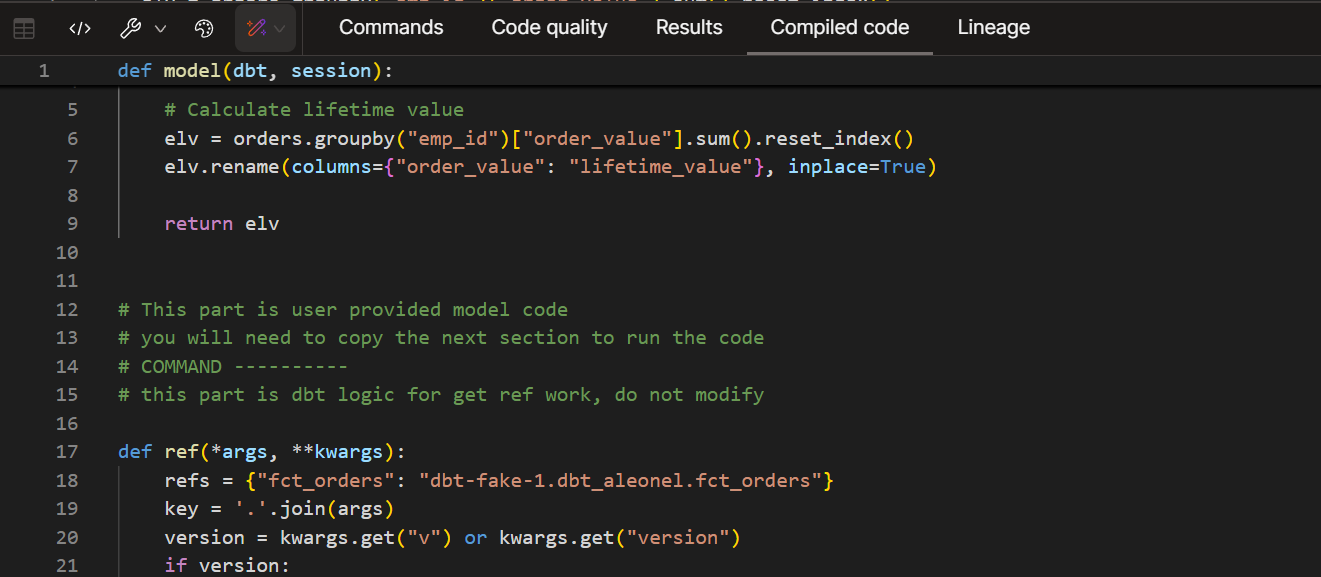
Let’s create a simple Python model that calculates the lifetime value of each employee.
In real life, you wouldn’t use Python for such a banal calculation. SQL is always preferred on dbt. However, my Python skills are a bit rusty, so I’ll keep it simple.
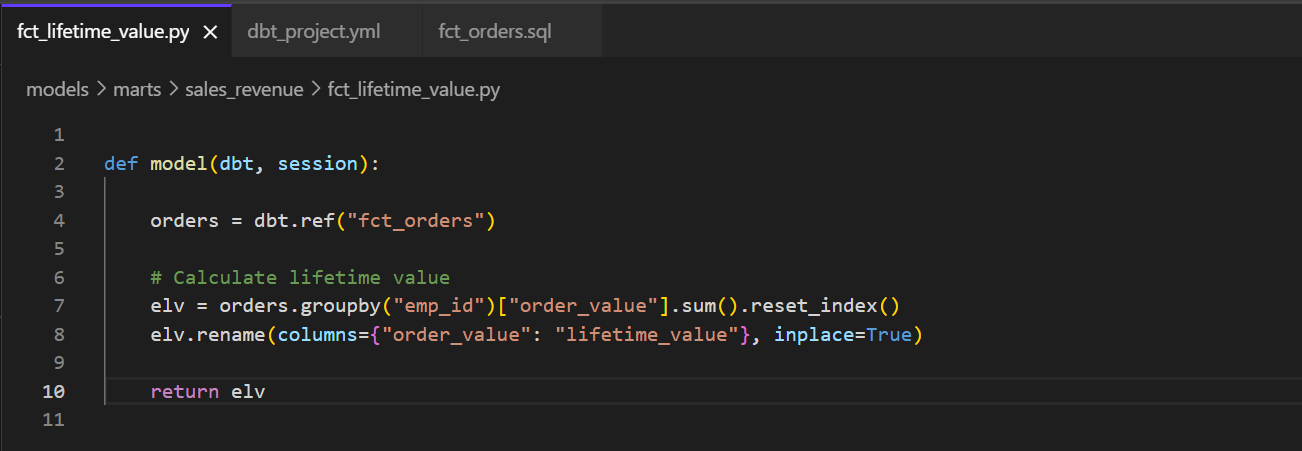
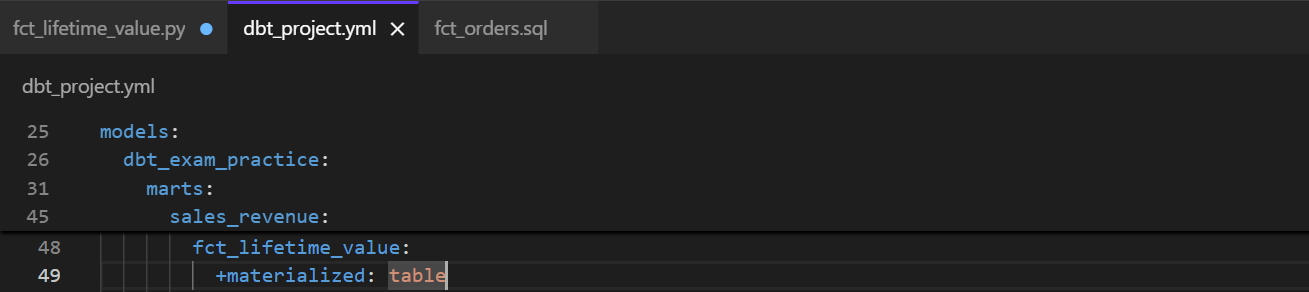
The next step is to configure the newly created model. We are going to materialise it as a table.
Now, we are going to run the model. As usual, because I have billing disabled in BigQuery, I’m not able to run it successfully. There would be ways to run this locally, but it would involve more advanced features.
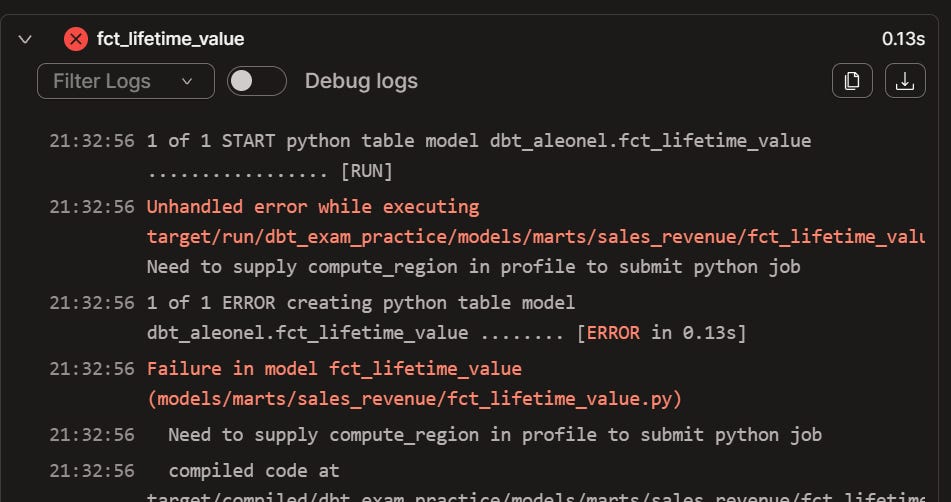
The important thing is that we understand the minimal requirements of Python model configuration, how to use the “model” function, and test the ability to reference sql models.
Exposures
We’re modeling all this data for our B2B company so that the end-users can access clean, consistent data via a visualisation tool such as Power BI or Tableau.
Creating the actual dashboard is out of scope here, but we can practice configuring a dashboard as an Exposure.
The first step is to configure our Exposure in an exposure.yml file:
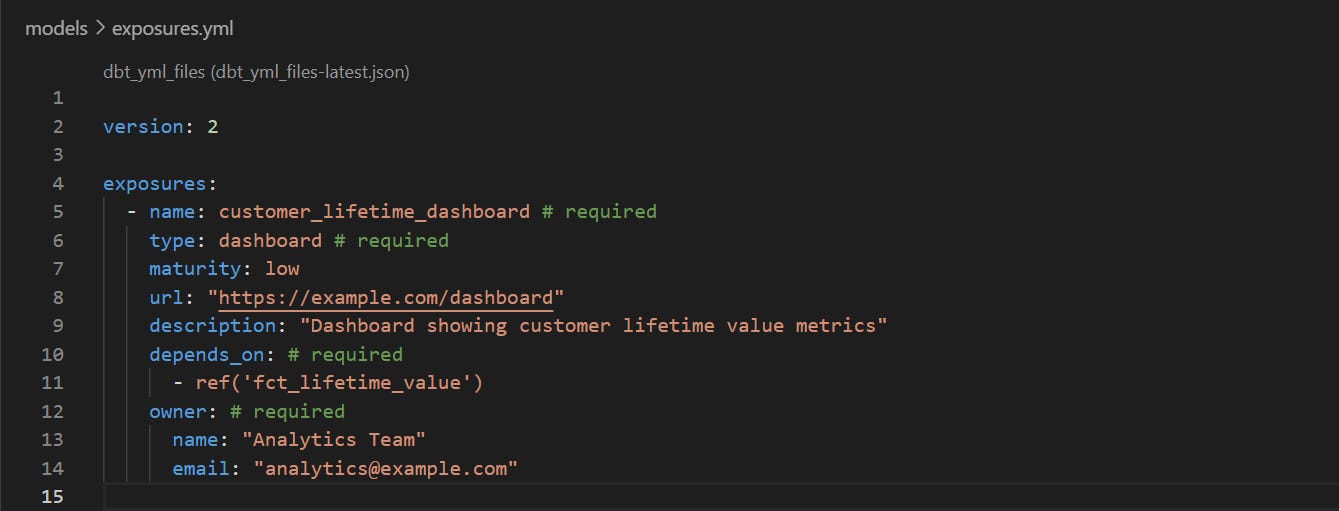
Not all these configs are required and you can make it as robust or simple as you’d like.
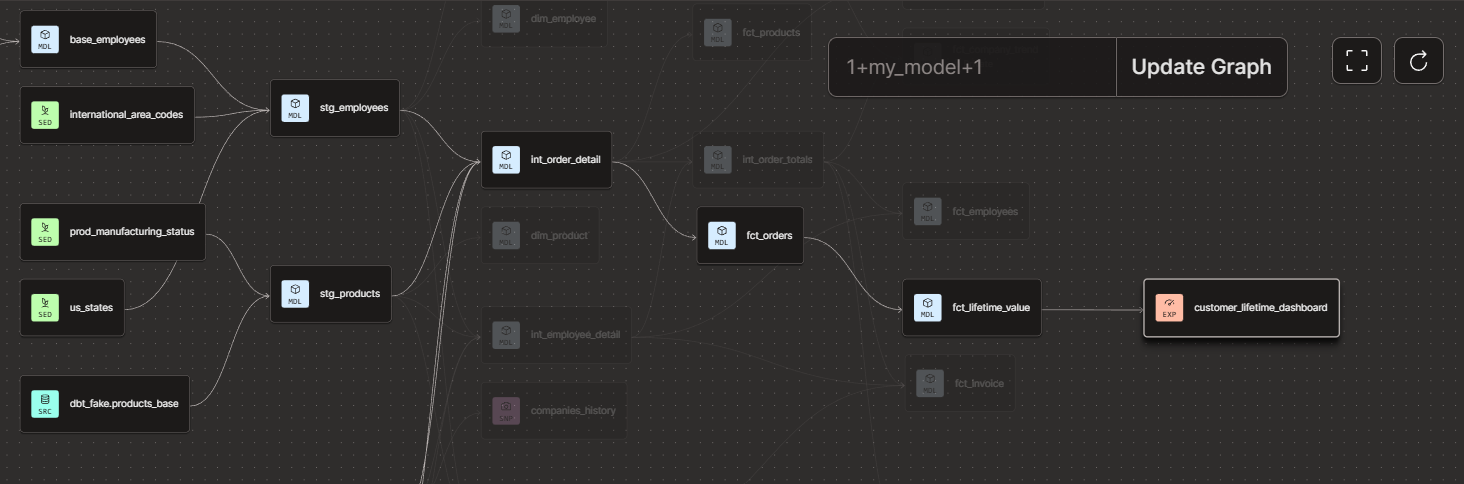
Finally, we are going to run our new Exposure so it becomes a node in the DAG.
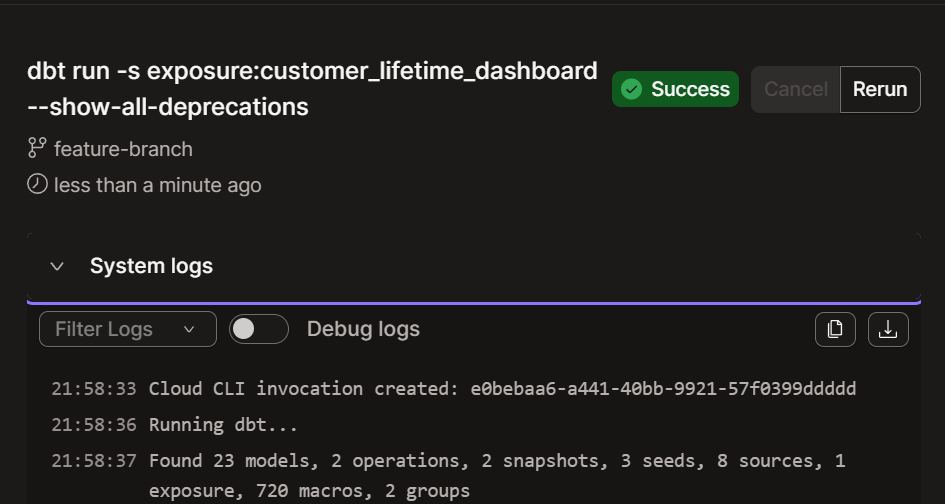
Please note I have a deprecation flag on, as dbt recently started requiring the docs config to be under a “config:” block.
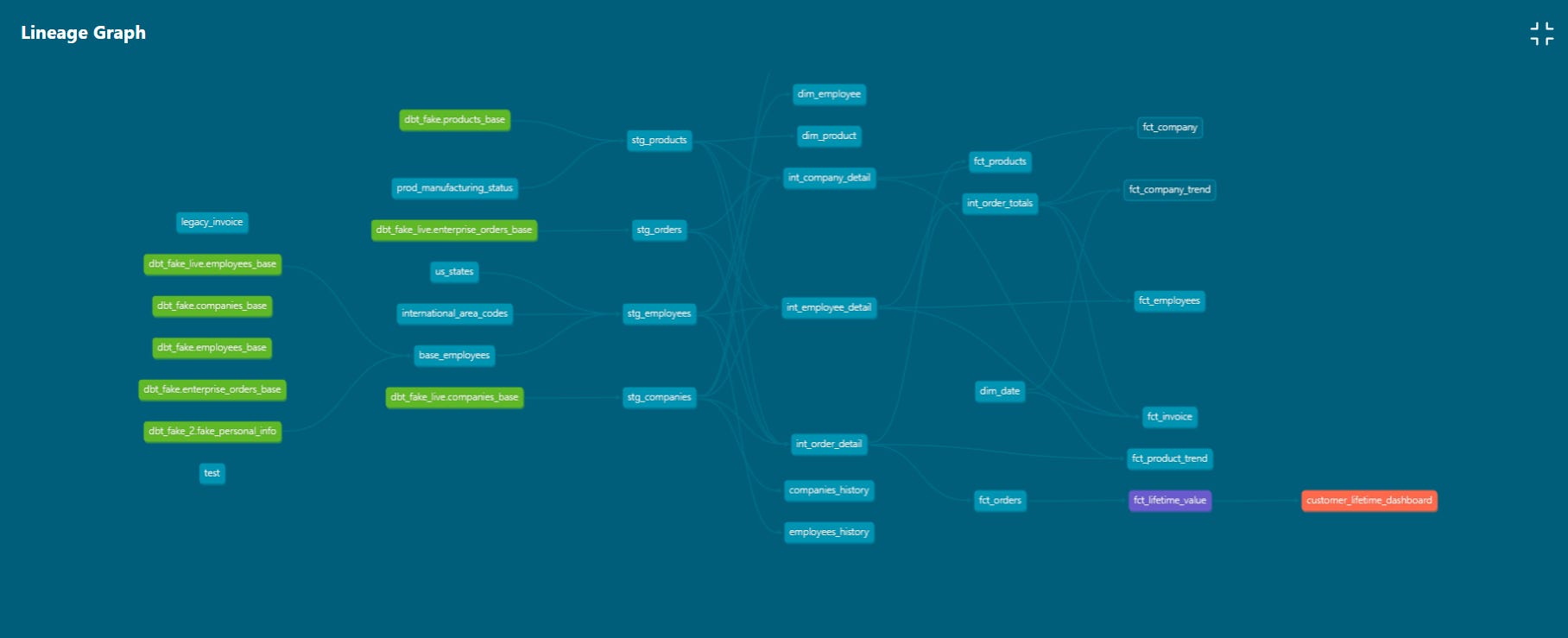
After a successful run, you should now see the Exposure as part of your DAG. I’ll add a small detail: fact tables should be in a single layer, as per dbt’s best practices, so do what I say and not what I do!
Documentation
The last step of this very long Checkpoint is to add and configure documentation in our project.
Throughout our project, we’ve been adding descriptions to sources and other resources:
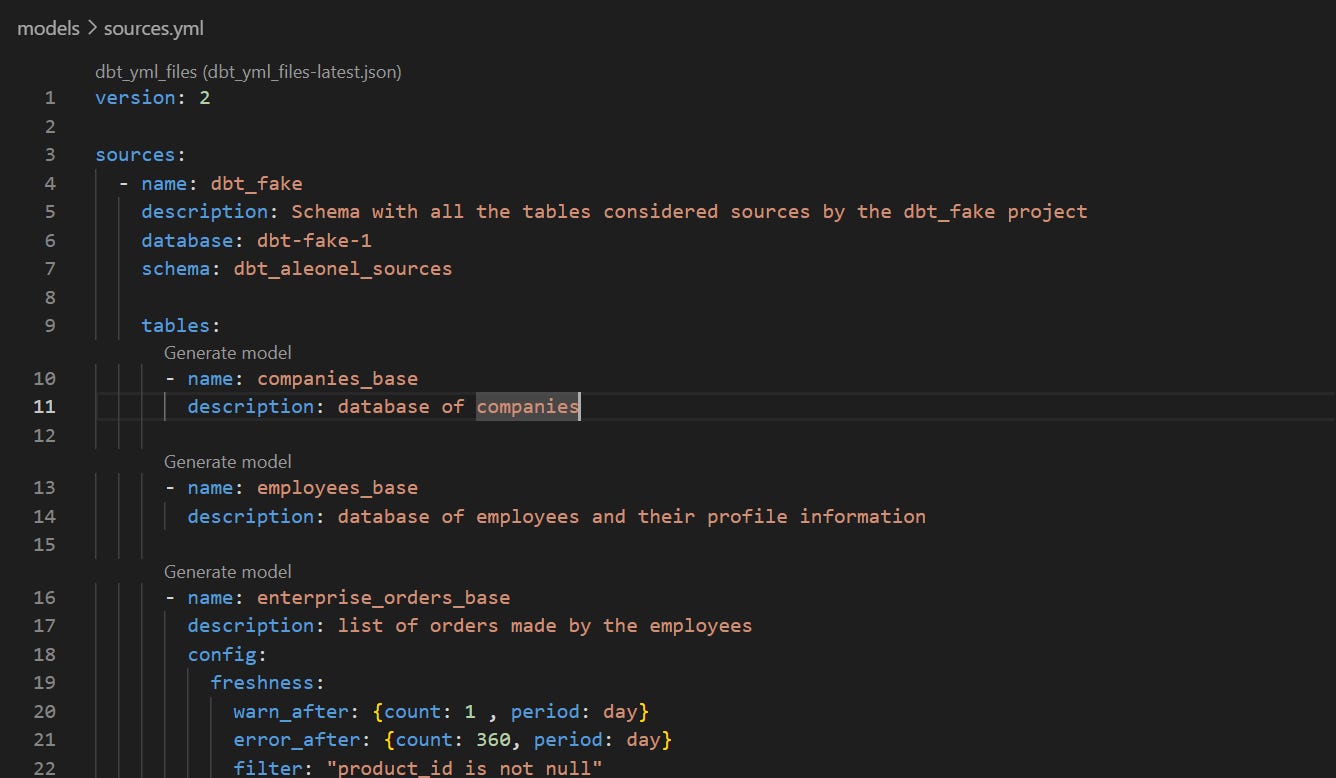
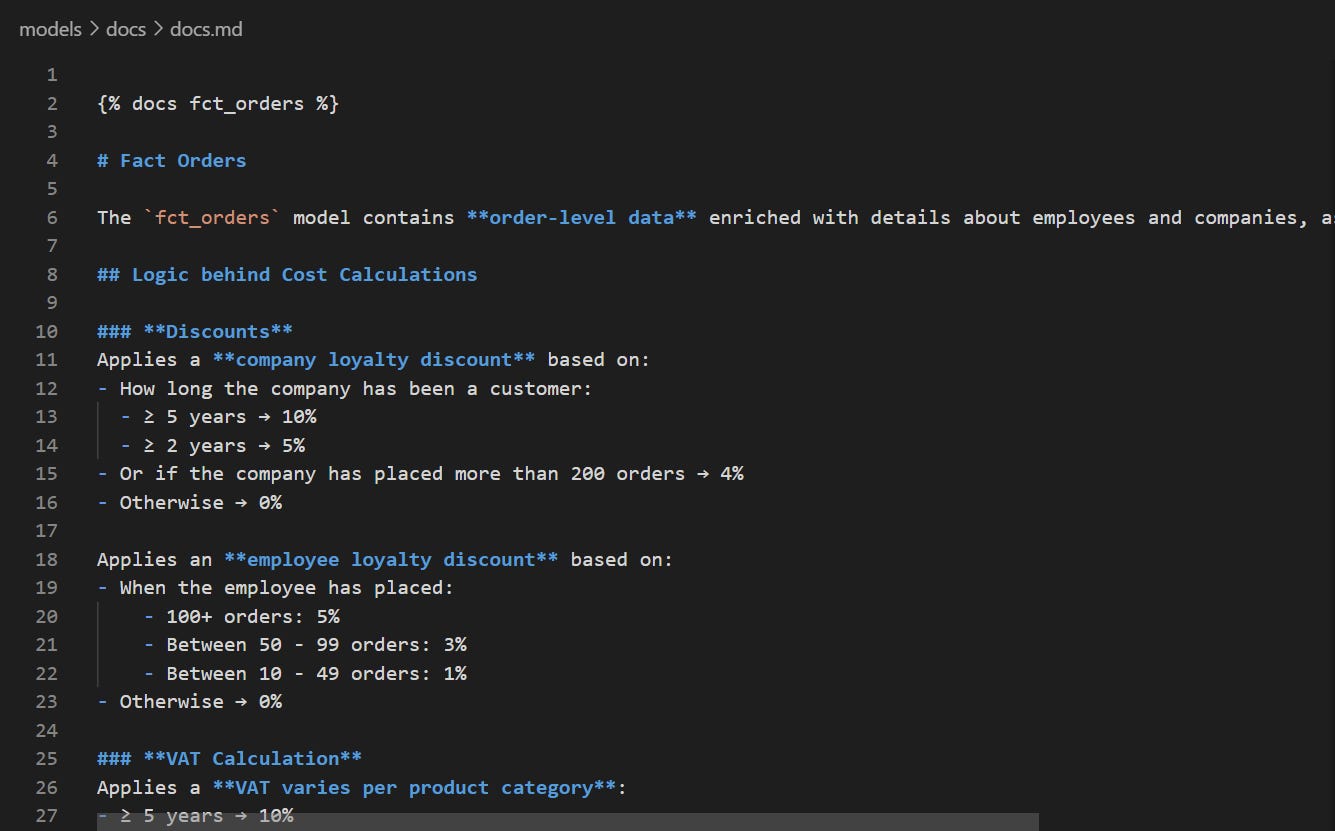
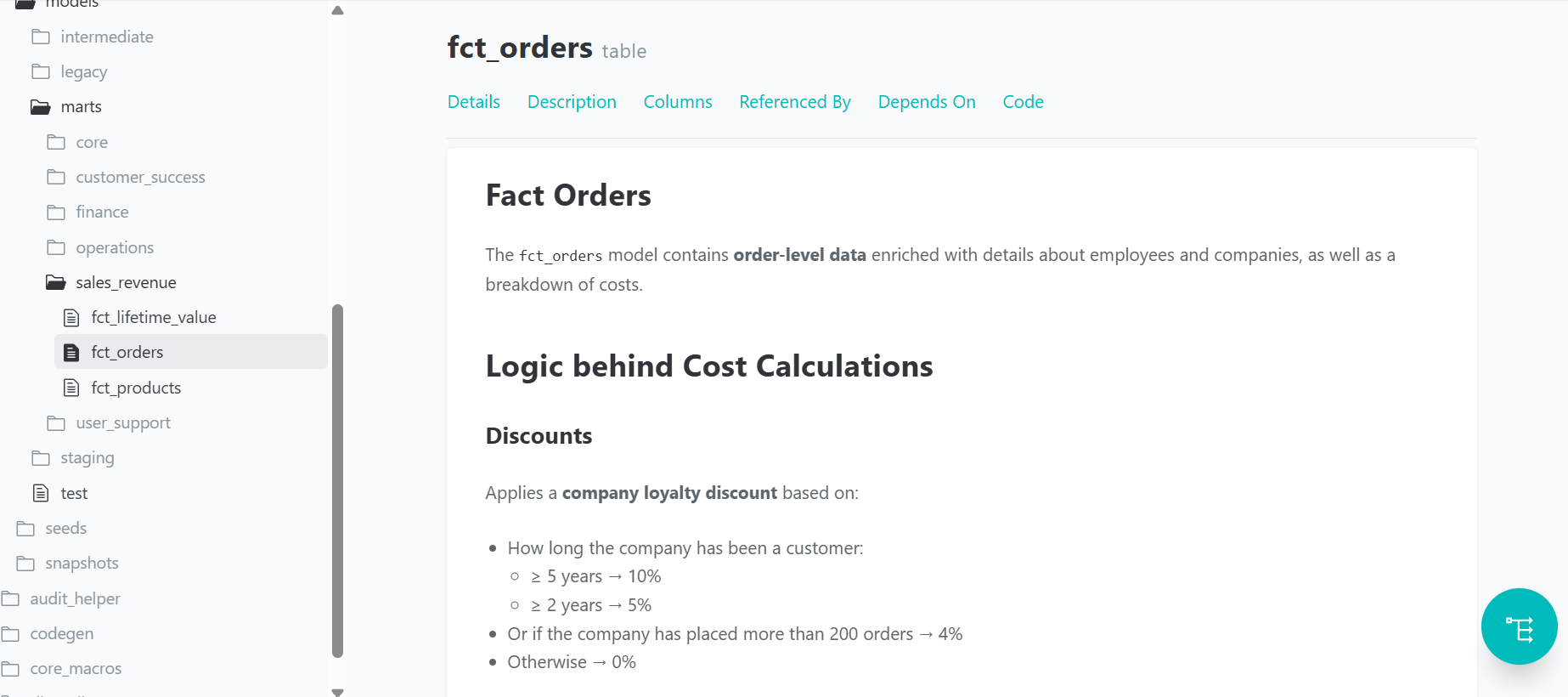
However, our fct_orders model is quite an important one and includes complex discount and VAT logic. Therefore, for that model, we’re going to include a doc block for a more thorough description.
For that, we need to create a docs.md (optionally in a docs folder within models), where we can store all doc blocks we may need.
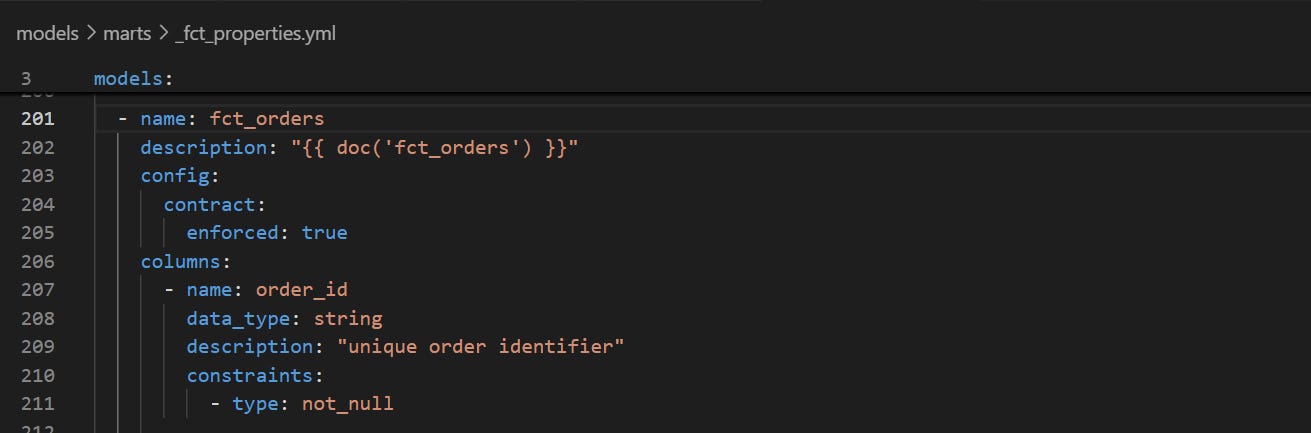
In the fct_orders model, let’s replace the standard description we had in the properties.yml file with our doc bloc.
Finally, we can generate the docs (compile all the descriptions, metadata, and doc blocks) and then serve them to a bespoke webpage.
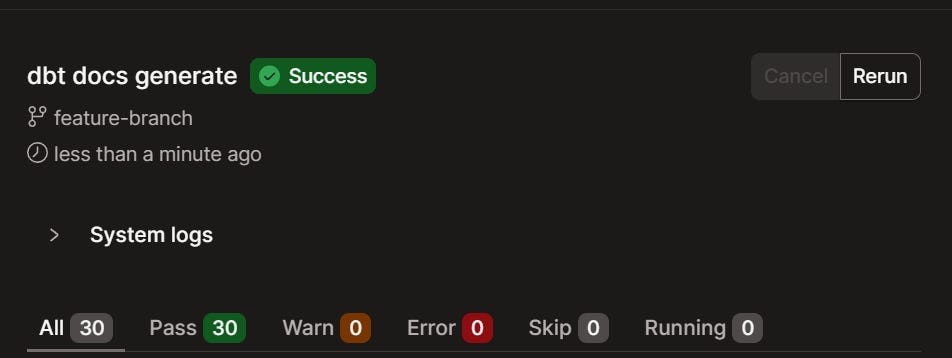
I’m using the IDE, so I don’t need to serve the docs. The next step is to click the docs button to see our docs website:
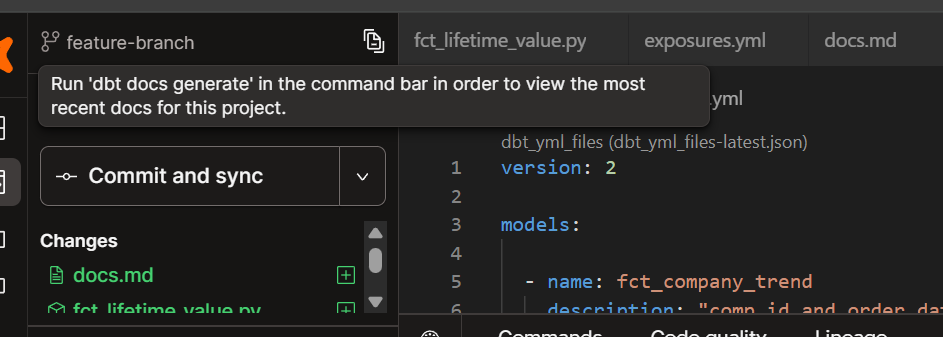
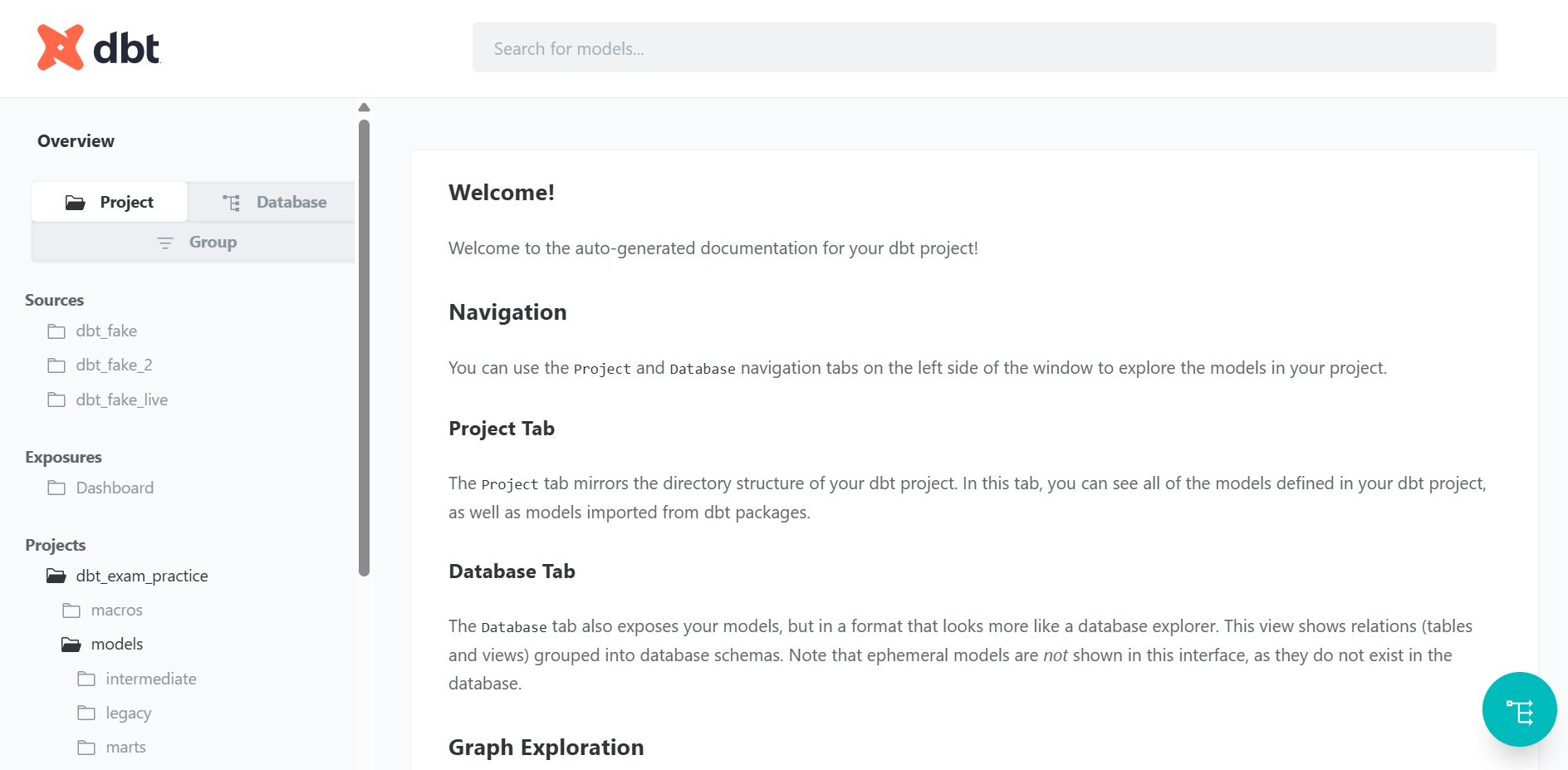
And there we have our brand new docs page. There are other ways to customise it, by creating an overview.md doc block to replace the text in the homepage, but we’ll keep it simple for now.
We can also see our doc block for fct_orders in action:
And finally, a complete visualisation of our DAG with colour-coded nodes.